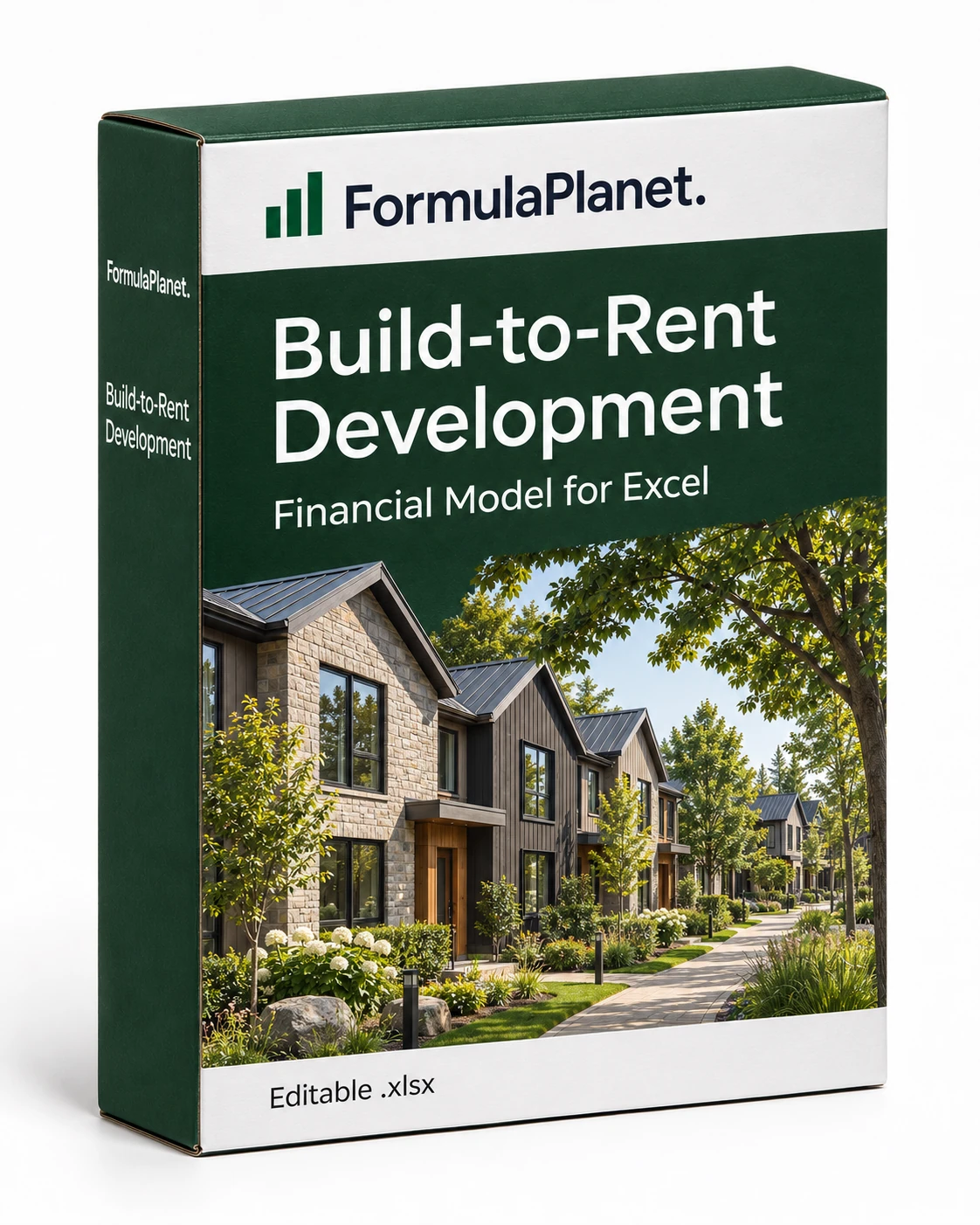
Build-to-Rent Development Model
Model a rental community with phased construction, occupancy ramp, operating cash flow and a long-term hold.
€79One payment · VAT included
Buy nowFinancial Model for Excel
Work out how much equity you need, when you need it, and what happens if costs rise or rents fall.

Secure checkout · Digital download
Phase an apartment project through construction and lease-up, then test rental cash flow, funding needs and the sale of the completed asset.
One currency for all project amounts. Changing it changes labels, not values.
Entered case. Annualised equity IRR: 4.9%.
Stabilised operations begin in month 36; exit occurs in month 60. Operating income does not cover reserves and interest over the full holding period, increasing the equity funding requirement.
Illustrative inputs. All monetary amounts use the selected project currency without exchange-rate conversion. Results are nominal and before income tax and VAT.
Negative equity cash flow is a contribution; positive cash flow is a distribution. Equity funds interest and any debt repayment shortfall at exit.
A compact monthly property forecast with one construction / renovation phase, aggregate income, interest-only debt and a 12–120 month exit. It excludes refinancing, lease-by-lease detail, income tax and VAT. The full editable XLSX includes a separate lease-up assumption and refinancing controls alongside its detailed schedules.
Acquisition and acquisition costs are paid at month 0. Hard costs, professional fees, contingency and any separate enabling works are spent evenly during construction / renovation. Interest is excluded from capital cost.
Main annual rent = homes or rooms × monthly rent × 12 × occupancy. Other or service income is a percentage of rental income.
No income is earned during construction. Occupancy ramps linearly after completion. Income growth compounds from the initial underwriting date, including the construction period.
Debt funds the entered percentage of each eligible capital payment. Monthly interest uses opening debt plus half the current draw. Interest is paid from equity; no interest capitalisation, amortisation or refinancing is included.
The exit capitalises forward annual stabilised NOI before recurring capex. Selling costs and outstanding debt are deducted; equity pays any shortfall. NOI, capex reserve and interest remain separate cash-flow items.
Equity IRR uses end-of-month cash flows and is annualised as (1 + monthly IRR)^12 − 1. MOIC uses all positive cash flows divided by all negative contributions. NPV discounts each month using the annual equity discount rate. IRR is left unavailable when a unique result cannot be established.
Illustrative example, not a market forecast. All project amounts use USD. A dash means the measure is not applicable or a unique return cannot be established.
Follow project expenditure, debt draws and the equity funding gap month by month.
Compare your base and downside cases for construction costs, timing, rent and occupancy.
Review refinancing, sale proceeds, annualised IRR and the equity multiple in the same workbook.
Explore all 8 worksheets.
Version 1.4 · updated 6 October 2026.
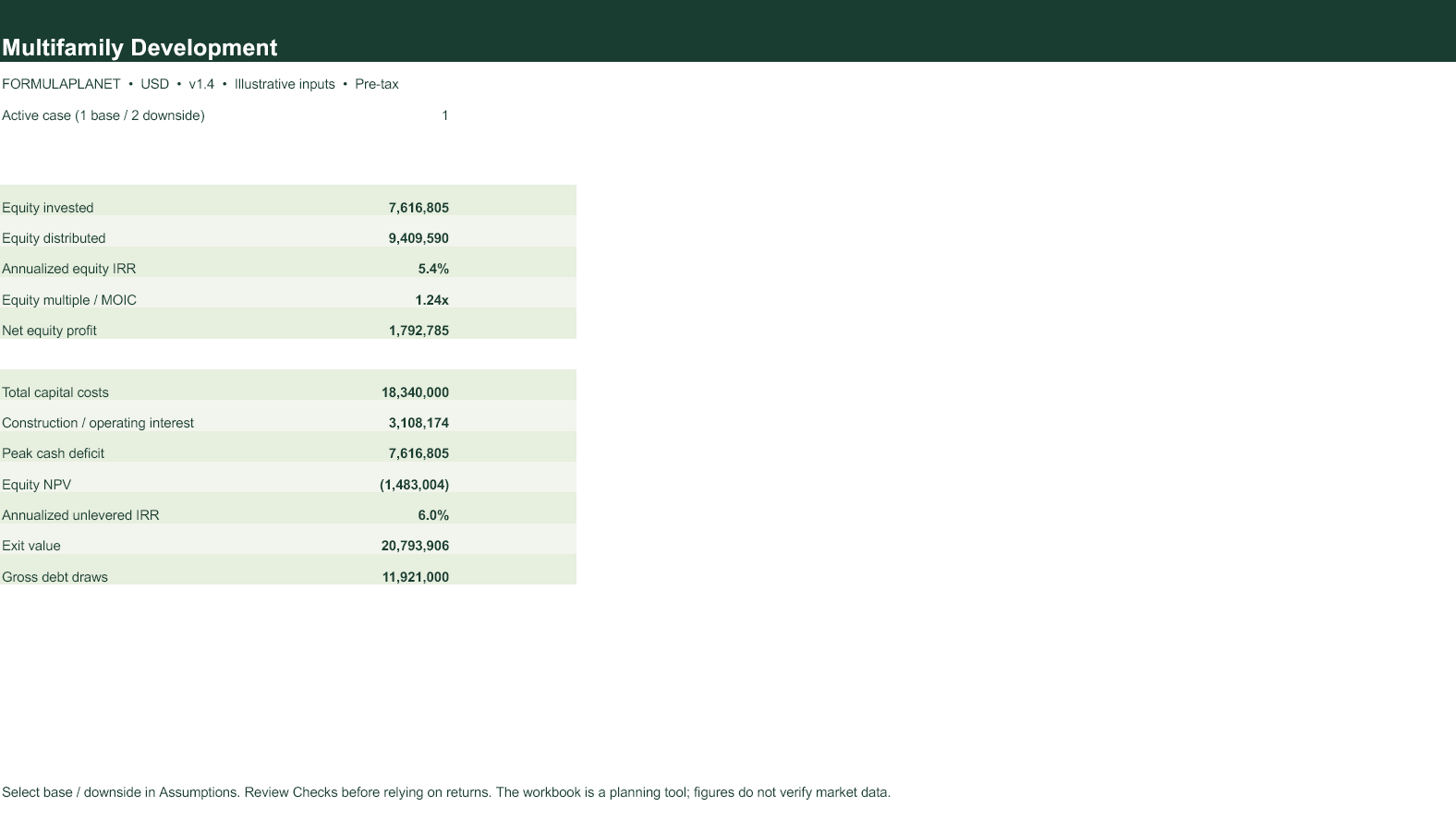
Read-only, saved illustrative workbook values. The displayed currency stays as saved and is independent of the calculator and payment currency.
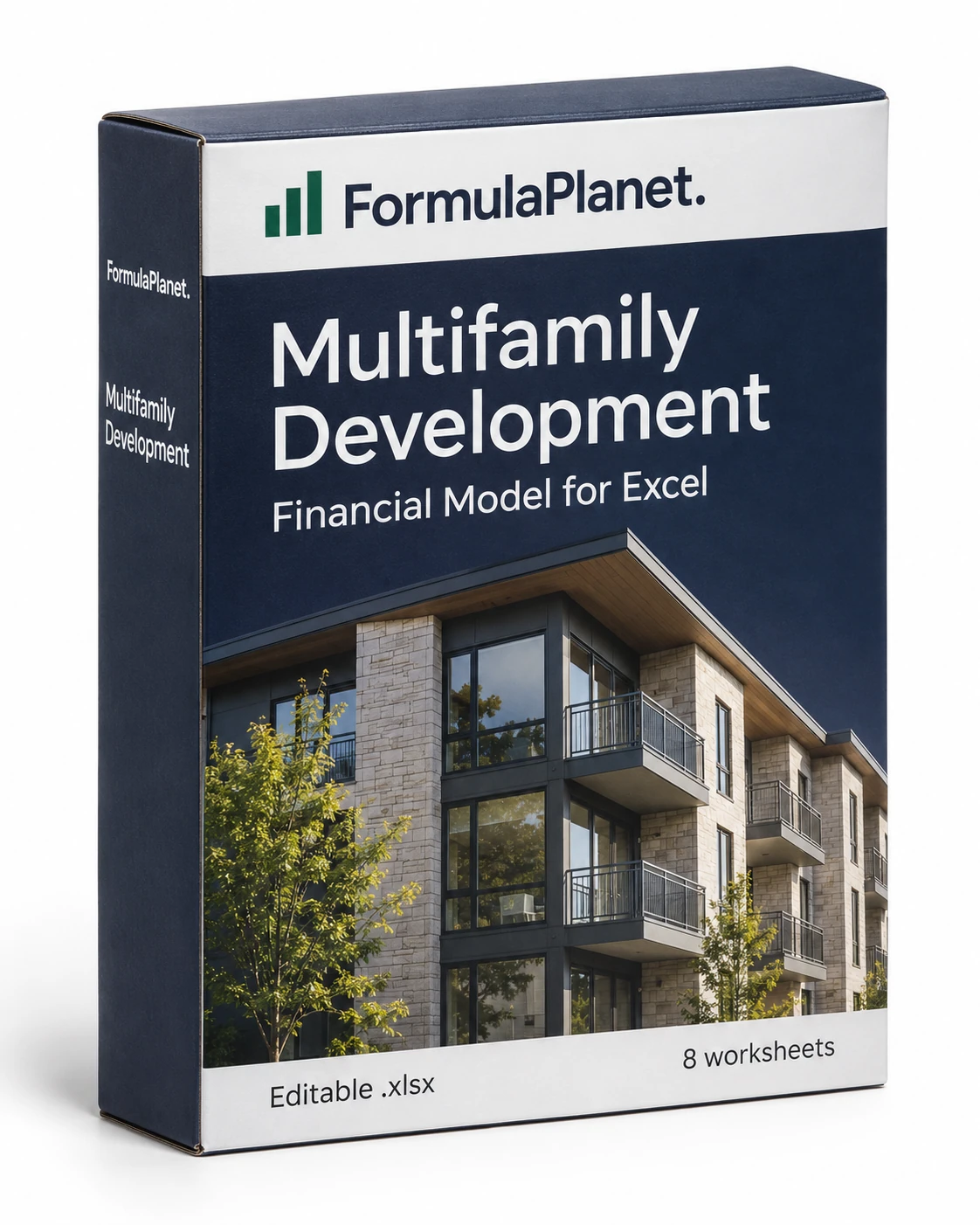
A monthly development model for apartment projects. It connects land and construction costs with debt draws, lease-up, stabilised NOI, refinance proceeds and an exit valuation so the complete equity requirement and return profile remain visible.
For apartment projects developed to rent, with a potential refinance and sale of the asset. Use the workbook for your organisation’s projects and client analysis.
Read the ReadMe. Blue input text and yellow input cells show where to enter your assumptions.
Choose your project currency in Assumptions!I6, then enter unit count, land price, build costs, rents, occupancy, timing and financing terms in that currency.
Check when equity is needed, then compare the base case with the downside and review the Checks sheet.
Choose USD, EUR, GBP, INR (Indian rupee), CAD, AUD, NZD, CHF, JPY or AED in the workbook. All cash flows use your selected project currency and pre-tax, nominal assumptions. Changing the currency does not convert amounts. It supports a forecast of up to 120 months. Add project-specific tax and lender terms to your review.
Selling apartments individually? Explore the Build-to-Sell Model. Need to split returns between partners? See the JV Waterfall Model.
Editable .xlsx · 8 worksheets · One organisation, unlimited projects.
Digital download · Your Excel file is emailed after payment.


4 editable workbooks, selected for this sector. One purchase, no subscription.
See everything in this packA monthly development model for apartment projects. It connects land and construction costs with debt draws, lease-up, stabilised NOI, refinance proceeds and an exit valuation so the complete equity requirement and return profile remain visible.
An editable .xlsx workbook with Dashboard, Assumptions, Monthly, Annual, Lender, Sensitivity, Checks, ReadMe worksheets.
Yes. The workbook licence covers internal and client analysis for one organisation, without a subscription. Reselling or redistributing the template is excluded.
Choose USD, EUR, GBP, INR (Indian rupee), CAD, AUD, NZD, CHF, JPY or AED in Assumptions!I6. USD is the default. All monetary inputs and outputs use one project currency. Changing the selector updates currency labels without converting amounts; replace the example inputs with local project data. Your workbook currency is independent of the currency you pay in.
No. Calculations use visible spreadsheet formulas and the file contains no VBA.
Enter multifamily project costs, completion timing, rental or room income, occupancy, operating costs and financing. Input cells are visually distinguished from formulas; follow the ReadMe instructions.
Yes. Use the base/downside case selector and review the workbook’s Sensitivity sheet. The available assumptions depend on the model.
The Checks sheet reconciles capital costs, the debt roll-forward and final debt balance, and checks the dashboard IRR calculation. The forecast supports construction and lease-up within a maximum of 120 months.
Defaults are illustrative, not current market evidence. Replace and independently verify them for every live transaction.
Use a current desktop release of Microsoft Excel. LibreOffice may format or calculate some financial functions differently.
Your order confirmation provides the purchased workbook, currently v1.4, updated 6 October 2026.


All 21 editable Excel workbooks. Development, acquisition, financing, equity and valuation in one collection.
Model a rental community with phased construction, occupancy ramp, operating cash flow and a long-term hold.
Size a construction facility and create a monthly debt draw, interest and maturity schedule.
Allocate whole-deal cash flow between LP and GP through preferred return and promote tiers.
Translate sustainable rent and operating costs into direct capitalisation and DCF values.
Divide total project cost by the number of completed residential units.
Estimate hard construction cost from gross area, unit cost and contingency.
Compare stabilised NOI with total development or acquisition cost.
Calculate annual equity IRR after debt using equity contributions, distributions and net sale proceeds.
Size the tightest loan amount under LTV, LTC, debt-yield and DSCR constraints.